Blockchain PDF Signature Verification
What verification actually checks: matching fingerprints, party signatures, and a permanent on-chain lock.
Blockchain PDF verification usually means two checks: who signed, and whether the file still matches what was locked on the blockchain. VeriLock keeps those clear and separate from the private document content.
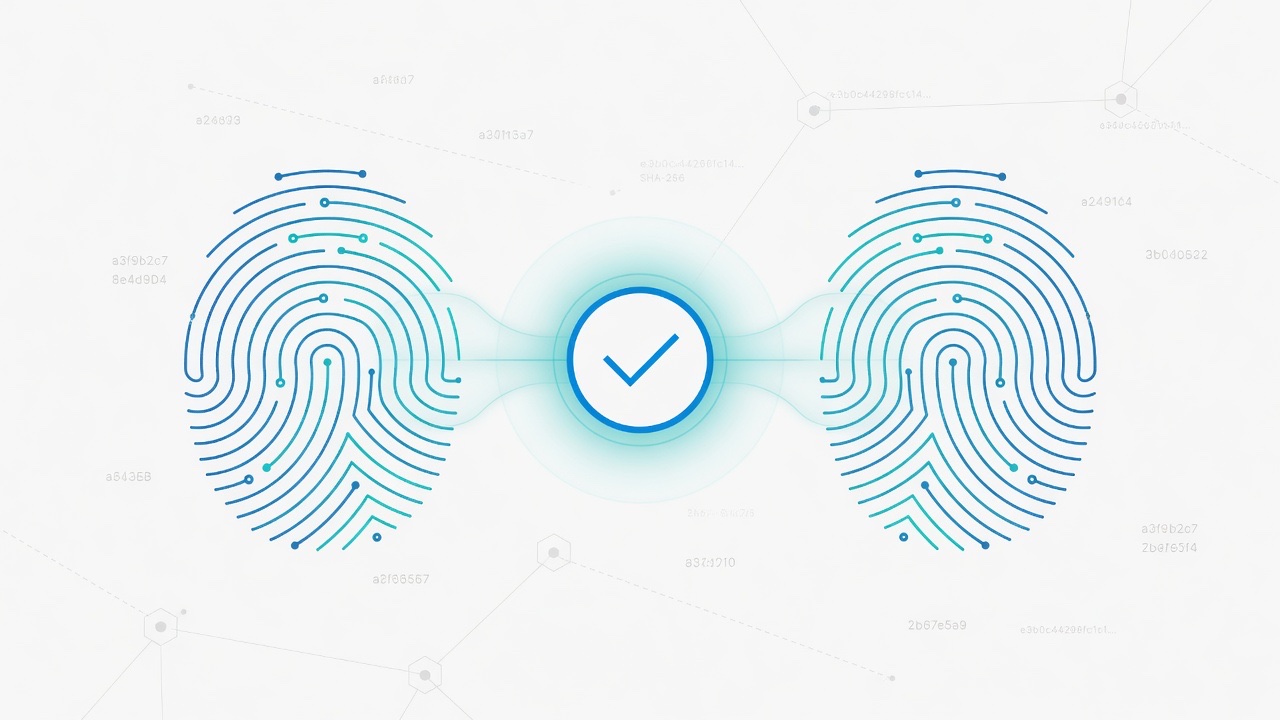
Fingerprint first
Every PDF has a SHA-256 fingerprint of its exact bytes. Edit a fee, date, or name, and the hash changes. Signing and locking both refer to that fingerprint.
What locking on the blockchain adds
Locking publishes the fingerprint on Nimiq. VeriLock cannot quietly delete that chain record. Parties sign with wallets; public viewers see redacted signature details.
Quick checklist
- Start from the PDF you were given, not a screenshot.
- Re-hash it in VeriLock's verify flow.
- Confirm the fingerprint matches the locked agreement.
- Optionally open the lock transaction on a Nimiq explorer.
Private file. Public proof. Check integrity anytime, and lock on the blockchain new agreements for 500 NIM through the end of July (promo ends August 1).
Seal a document fingerprint on the Nimiq blockchain.
Open VeriLock