How to Sign a PDF with Blockchain
Fingerprint a PDF locally, collect multi-party Nimiq wallet signatures, and lock on the blockchain a permanent hash. The file stays with you.

Blockchain PDF signing does not mean publishing your whole contract on a public ledger. With VeriLock you fingerprint the PDF on your device, collect wallet signatures over that fingerprint, and lock on the blockchain a permanent hash on Nimiq. The file stays with you. The chain holds proof.
This guide is the practical walkthrough. For the full product loop in more depth, see How VeriLock Works. For what the product is and is not, see What is VeriLock.
What you are actually putting on-chain
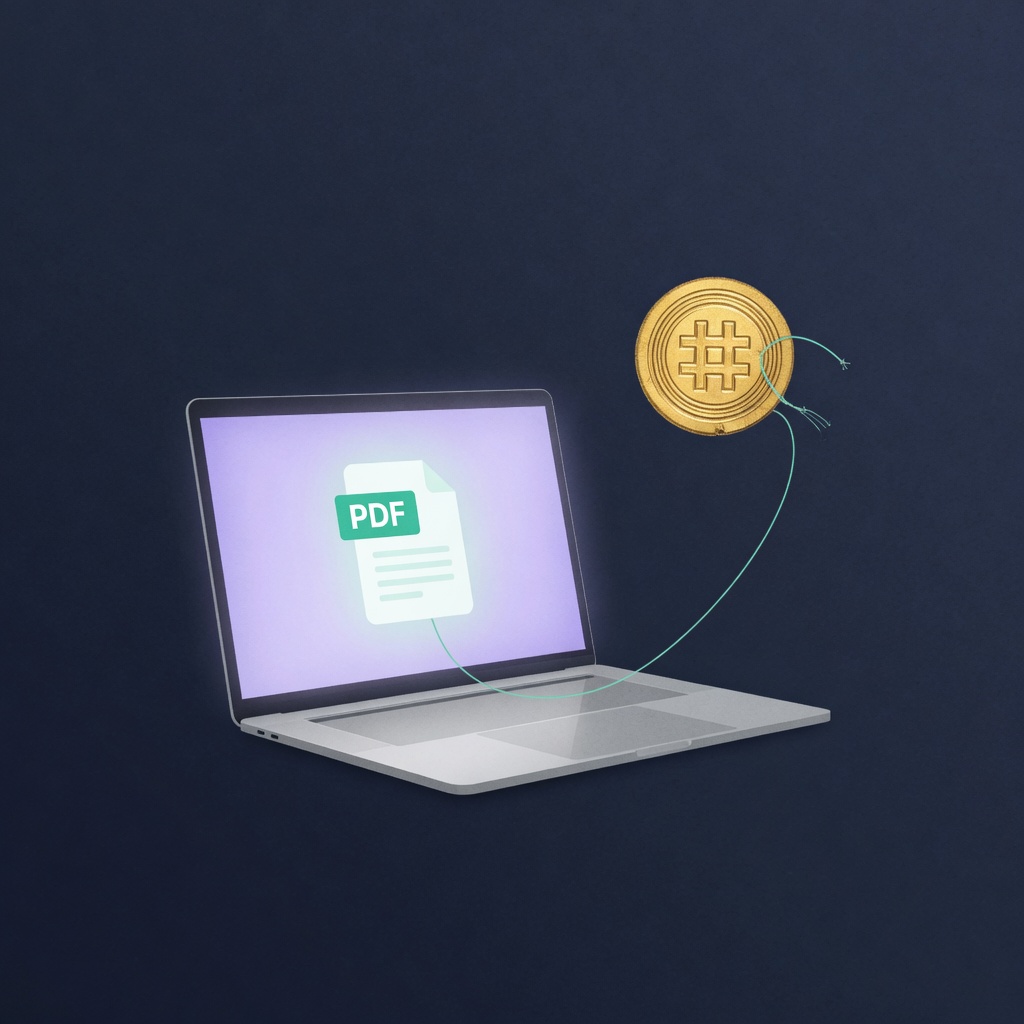
A SHA-256 fingerprint of the exact PDF bytes, anchored when you lock it on the blockchain. Not the agreement text, not every page as a public file. Anyone who later holds a copy can re-hash and compare. That is integrity, not a full legal opinion about enforceability.
Before you start
- A final (or near-final) PDF everyone can share. Re-exporting can change bytes.
- A Nimiq wallet for anyone who will sign or lock on the blockchain (Hub or Pay).
- A way to send co-signers the same PDF out of band (email, drive, messenger).
- NIM or a prepaid lock credit when you are ready to lock the fingerprint.
Step-by-step
- On the home screen, choose Create & invite (or open an in-progress agreement).
- Connect your Nimiq wallet.
- Fingerprint the PDF in the browser. Confirm the file is the version you intend to freeze later.
- Share the agreement link with co-signers. Send them the same PDF if they do not already have it.
- Each party matches the file and signs with their wallet against that fingerprint.
- When everyone who must sign has signed, lock the fingerprint on-chain.
- Keep a locked copy of the PDF. Verifiers can re-hash later without a wallet.
Multi-party rules that save pain
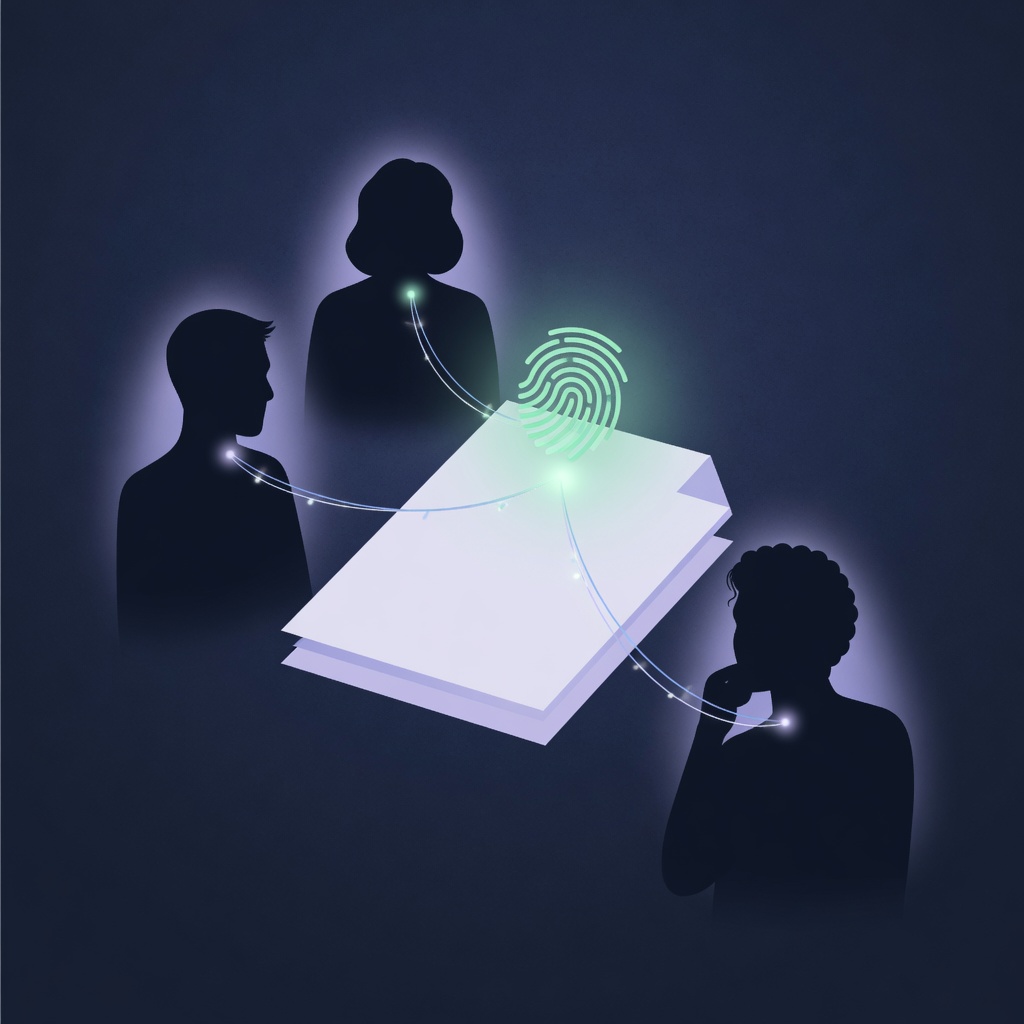
The whole flow collapses if people sign different exports of "the same" document. Printer settings, PDF optimizers, and "save as" can change bytes while the page still looks identical. Agree on one file, hash it, and stick to it.
- Do not edit after the first signature unless everyone restarts on a new fingerprint.
- Lock only when the group is done changing the file.
- Share the PDF deliberately. The product link coordinates the workflow; the bytes still live with each person.
Lock fee vs signing
Signing with a wallet records agreement on the fingerprint inside the workflow. Locking publishes the permanent on-chain record. You can collect signatures first and lock on the blockchain when ready. Locking uses NIM or a prepaid credit; pure verification of a locked file does not require a wallet.
Same PDF for every signer. Different bytes mean a different fingerprint. A hash match proves integrity of the locked bytes, not that a signer had legal authority under local law.
After you lock on the blockchain
Store the locked PDF with the people who need it. Anyone with the verify path and a candidate file can check integrity later. If you need the shorter product map of fingerprint, sign, lock, verify, use How VeriLock Works. To check a file without connecting a wallet, use How to Verify a Signed PDF Without a Wallet.
Ready to lock a fingerprint? Through the end of July, a permanent Nimiq on-chain lock is 500 NIM (50% off the 1000 NIM list price). Promo ends August 1.
Seal a document fingerprint on the Nimiq blockchain.
Open VeriLock