How to Verify a Signed PDF Without a Wallet
Check a locked VeriLock agreement by fingerprinting a PDF in the browser. Basic integrity needs no wallet.
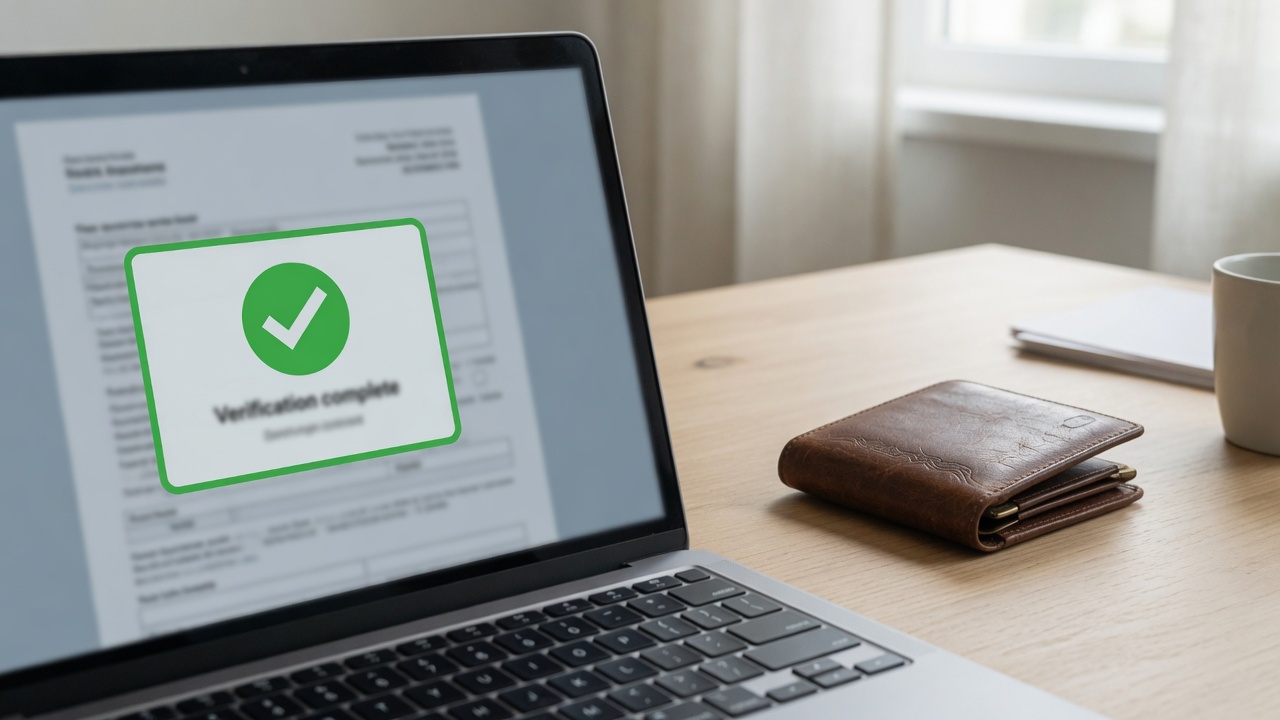
Not everyone who needs proof should need a crypto wallet. Counterparties, counsel, auditors, or a future you may only need one answer: is this PDF still the locked version? VeriLock's verify path is built for that.
You open verify, provide the agreement reference, drop in the PDF, and let the browser compute the fingerprint. No wallet for a basic integrity check.
What verification answers
Verification re-runs the hash math. It compares the fingerprint of the file you hold to the fingerprint that was locked on the blockchain. A match means the bytes still align with the permanent record. A mismatch means the file is not the locked document, even if the filename looks right.
It does not by itself prove who had legal authority to sign, and it does not show which clause changed when the hash fails. Those are separate questions. See Tamper-Proof PDF Verification for the integrity model, and What is VeriLock for product limits.
What you need
- The PDF that was locked on the blockchain, or a candidate copy someone claims matches.
- The VeriLock verify link or document reference for that agreement.
- A modern browser.
How to run the check
- On the home screen, choose Verify a PDF (or open the verify link you were given).
- Load the agreement reference if it is not already in the URL.
- Select the PDF from your device. Fingerprinting runs locally in the browser.
- Read the result: match means integrity holds against the locked fingerprint; no match means the bytes differ.
Keep the locked PDF somewhere durable. Verification is only as useful as the file you still possess.
When a wallet still helps
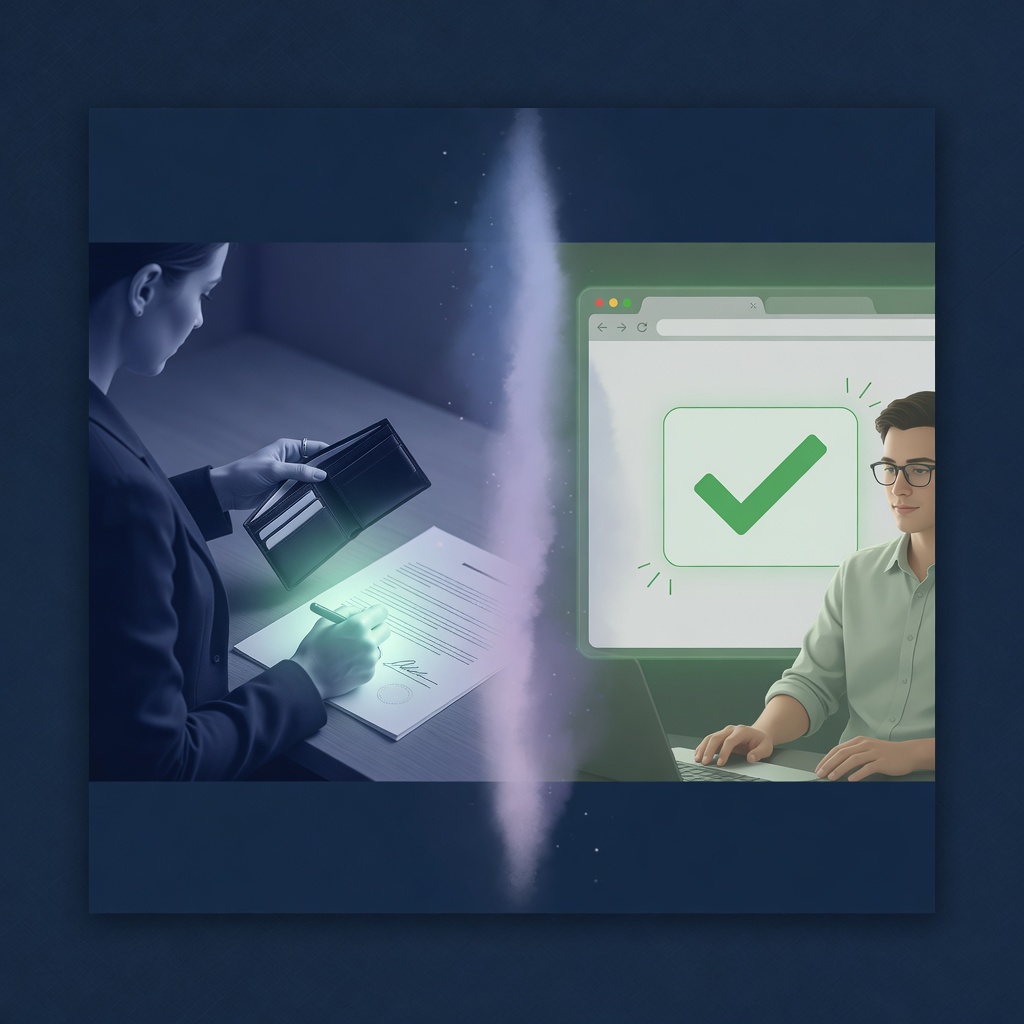
- Connect a wallet when you need private signature details as a party.
- Creators locking a new fingerprint or buying credits need a wallet.
- Co-signers signing an in-progress agreement need a wallet.
- Someone who only asks "is this still the locked PDF?" does not.
Common failure modes
- You are checking a re-exported or re-saved PDF that looks the same but has different bytes.
- You opened the wrong agreement reference.
- The file was edited after locking (even a tiny change).
- You never stored the locked copy and only have an older draft.
A match is strong evidence of byte integrity against the locked fingerprint. It is not a substitute for legal review, and it is not document forensics on files that were never locked.
Privacy angle
Public proof does not require public signatures. Private signing stays with the people who should see it. Integrity can still be checked openly. That split is intentional: signers use wallets; verifiers who only care about the file need a browser and the PDF.
When you are ready to lock a new fingerprint, locks are 500 NIM through the end of July (50% off the 1000 NIM list price). Promo ends August 1.
Seal a document fingerprint on the Nimiq blockchain.
Open VeriLock