Tamper-Proof PDF Verification
Why re-hashing a locked PDF catches silent edits, what hashes cannot show, and how a Nimiq on-chain lock stays checkable without trusting one server.
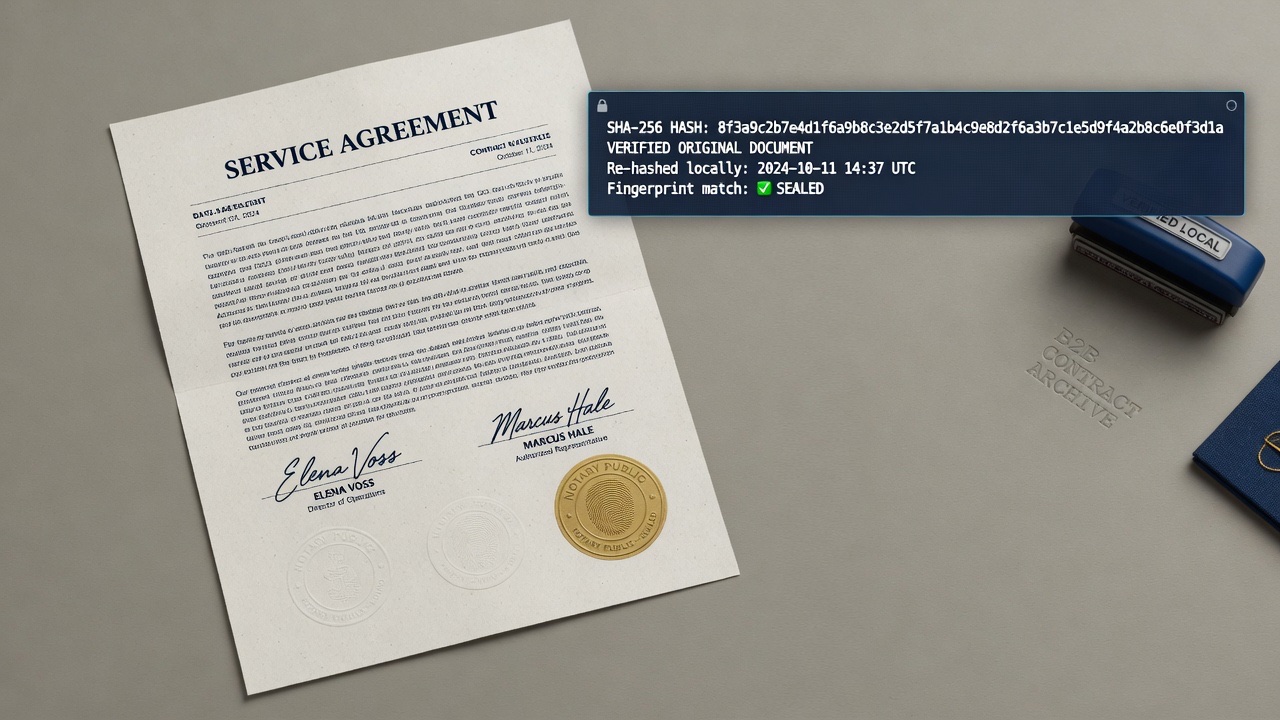
Tamper-proof verification is re-runnable math. If two parties claim to hold the same locked agreement, the bytes must match the locked fingerprint. Human eyes miss small edits. A hash does not.
This is not a forensic lab. VeriLock does not run error level analysis or AI noise scanners on arbitrary files. It locks a fingerprint at agreement time and lets anyone re-check that fingerprint later. Prevention comes first. Detection is a simple comparison.
Why silent edits are hard to spot
A fee change, date shift, or swapped name can look trivial on the page yet cause issues in a dispute. Filenames and email threads are weak evidence. Metadata can be rewritten. Exact-byte hashing sidesteps this uncertainty. Either the fingerprint matches or it does not.

Lock once, verify forever
When you lock it on Nimiq, you anchor the agreed SHA-256 fingerprint in a public transaction. Later, anyone can re-hash the file they hold and compare. A swapped or edited PDF will not align. You do not need to trust a single vendor database as the only place the permanent record lives.

- Fingerprint locally in the browser when you create or join.
- Collect signatures on that fingerprint from every required party.
- Lock the agreed hash when the group is ready.
- Re-hash any candidate file later to detect changes.
Lock vs post-hoc forensics
Industry document tampering detection tries to reverse-engineer whether a file was edited after the fact using metadata and compression artifacts. That helps for documents received without a prior on-chain lock. It is also probabilistic and tool-dependent.
A cryptographic lock flips the problem. You decide the moment of truth when everyone agrees and lock the fingerprint. Treat later mismatches as definitive for that locked version. You keep the PDF. The chain keeps the hash.
What a match means
- Match: the candidate file bytes match the locked fingerprint.
- Mismatch: the candidate is not the locked document.
- Not shown: which specific word or field changed.
- Not proven by hash alone: legal authority of signers or before locking authenticity.
Hashes detect change but do not localize edits. Keep your own locked PDF copy. An unlocked file fabricated from scratch may have no edit history to find. Locking makes later comparison meaningful.
How to check a locked PDF
Click the Verify a PDF link on the homepage or use the verify link for a specific agreement. Drop in the PDF to check integrity. No wallet is required for basic verification. See How to Verify a Signed PDF Without a Wallet for details.
Practical habits
- Lock only after the final version is agreed.
- Do not re-export the locked PDF through tools that rewrite bytes.
- Store the locked file with every party who may need to verify it later.
- Treat filename similarity as a hint, never as proof.
Need a check now? Click the Verify a PDF link on the homepage. No wallet is required. When you are ready to lock a new fingerprint, locks are 500 NIM through July. This is 50% off the 1000 NIM list price. The promo ends August 1.
Seal a document fingerprint on the Nimiq blockchain.
Open VeriLock